완전히 macOS 응용 프로그램을 제거하는 것은 3 단계 프로세스입니다. English: Completely uninstalling a macOS application is a 3 step process.
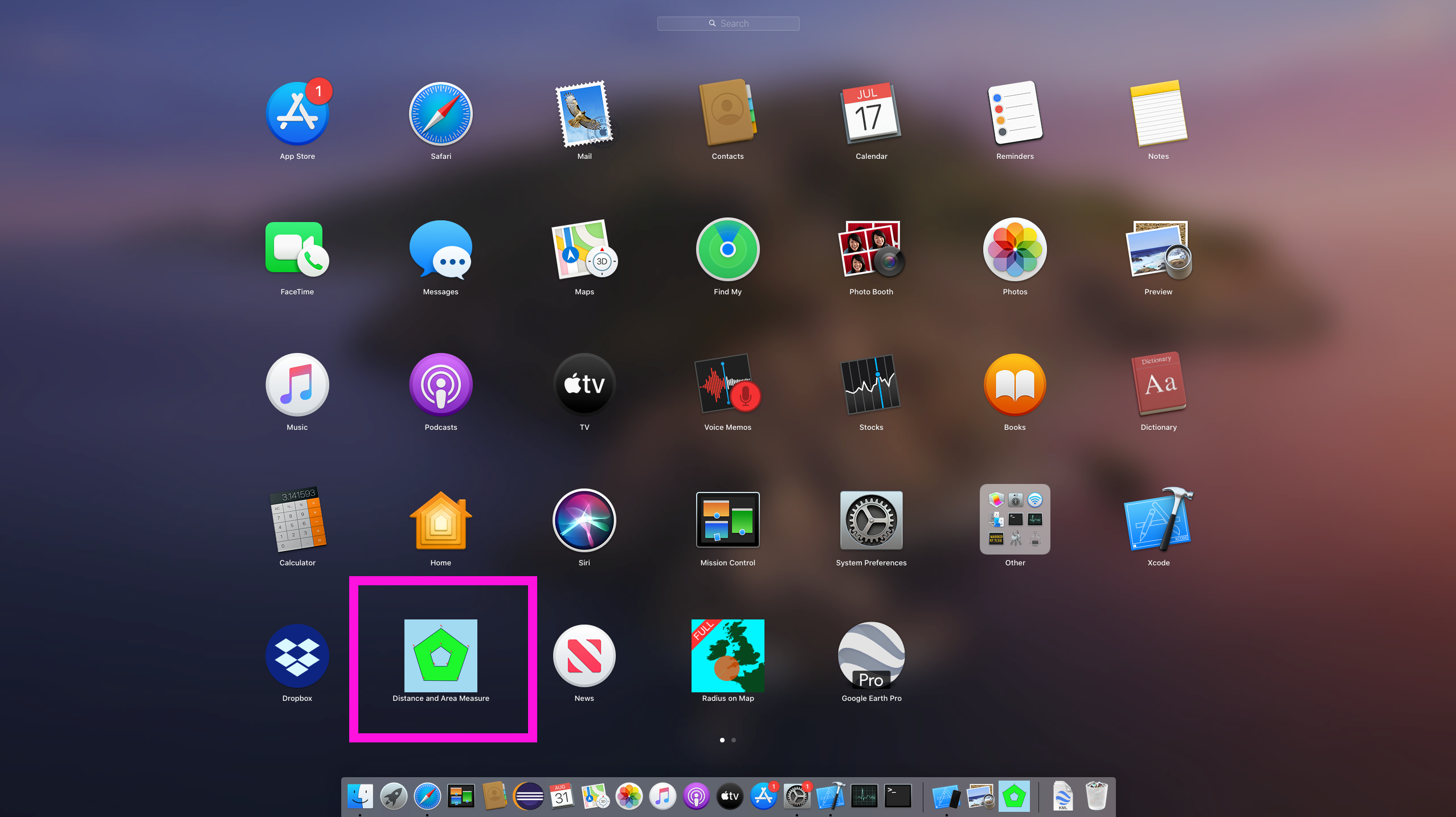
1) 런치패드를 통해 응용 프로그램을 제거 English: 1) Uninstall the application via launchpad
2) 응용 프로그램의 샌드박스 디렉토리를 제거하거나 이름을 바꿉니다. English: 2) Remove or rename the application's sandbox directory.
여기에는 데이터베이스 및 손상되었을 수 있는 기타 파일이 포함됩니다. English: This contains the database and other files that may have been corrupted.
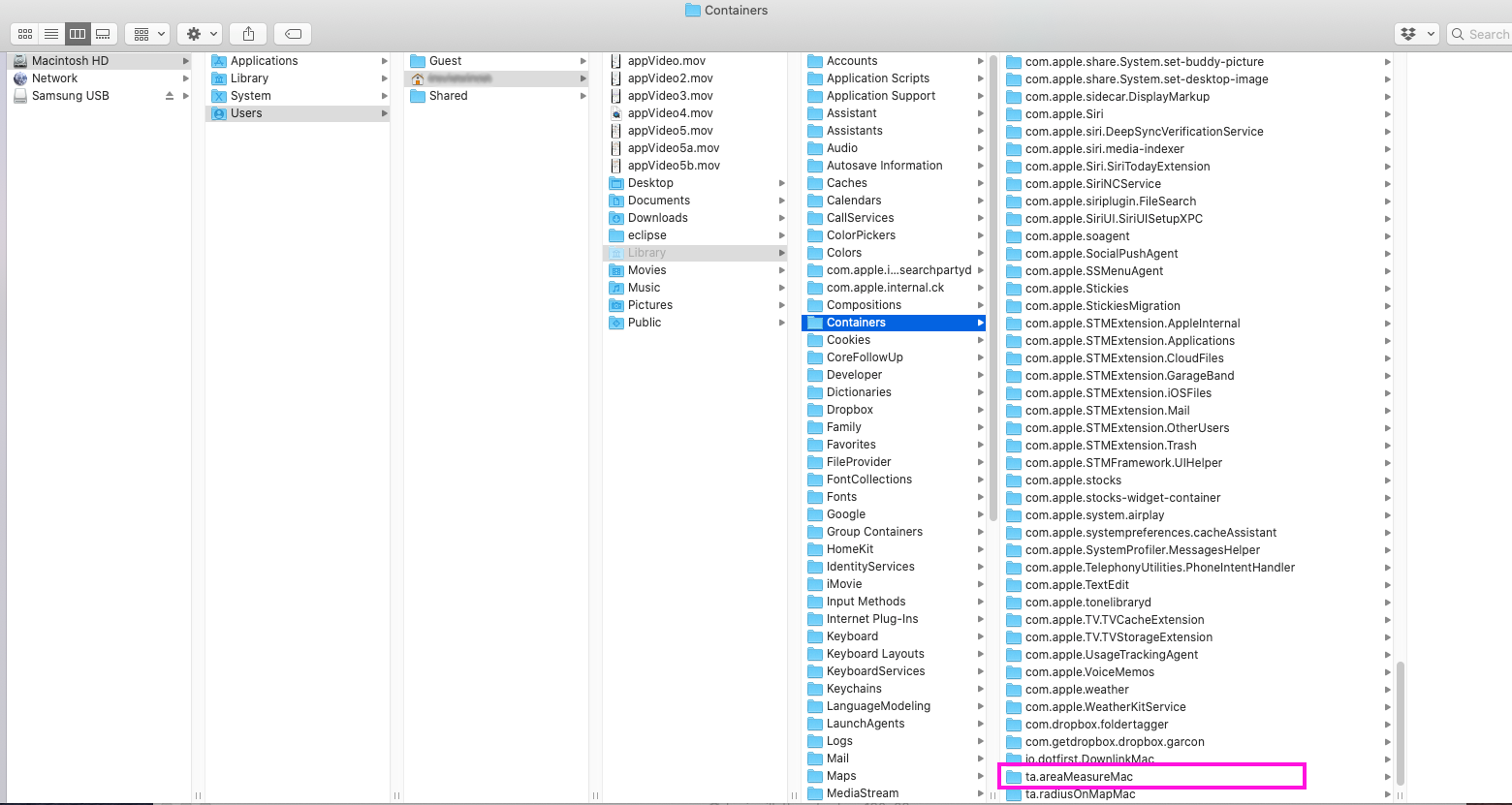
Distance and Area Measure : ~/Library/Containers/ta.areaMeasureMac
Radius on Map : ~/Library/Containers/ta.radiusOnMapMac
3) Mac을 재부팅하거나 활동 모니터에서 cfprefsd를 처치합니다. English: 3) Reboot the Mac or kill cfprefsd from Activity monitor.
응용 프로그램에 대한 공유 기본 설정은 삭제된 후에도 메모리에 유지됩니다. English: Shared preferences for an application will persist in memory after it has been deleted.
1) 런치패드를 통해 응용 프로그램을 제거 English: 1) Uninstall the application via launchpad
1a) 오픈 런치패드 English: 1a) Open launchpad
1b) 제거하려는 응용 프로그램을 찾습니다. English: 1b) Locate the application that you want to remove
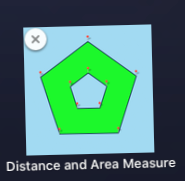
1c) 아이콘이 흔들리기 시작할 때까지 아이콘을 클릭하고 길게 누립니다. 'X'가 나타납니다. 클릭합니다. English: 1c) Click and hold the icon until it starts to wiggle. An 'X' will appear. Click it.
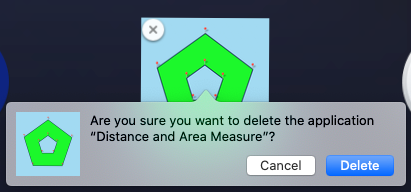
1d) 삭제 확인 English: 1d) Confirm delete
2) 응용 프로그램의 샌드박스 디렉토리를 찾아 삭제합니다. English: 2) Locate and delete the application's sandbox directory.
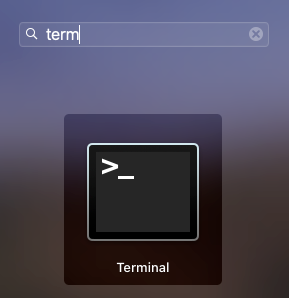
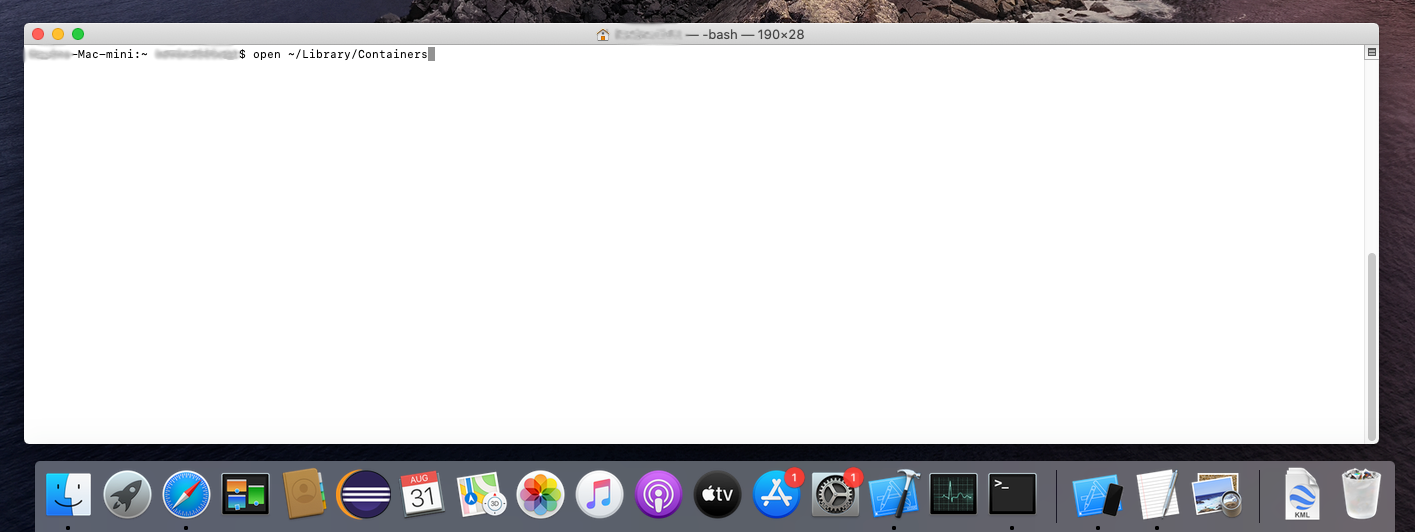
2a) 오픈 터미널 English: 2a) Open terminal
.
터미널이 도크에 없는 경우, 오픈 런치패드 English: If terminal is not in your dock, open launchpad
그리고 그것을 검색 English: and search for it
2b)
open ~/Library/Containers
2c) 응용 프로그램의 샌드박스 디렉토리를 찾습니다. English: 2c) Locate the application's sandbox directory.
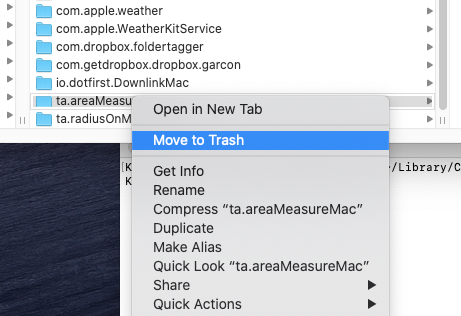
2d) 응용 프로그램의 샌드박스 디렉토리를 삭제합니다. English: 2d) Delete the application's sandbox directory.
3) Mac을 재부팅하거나 활동 모니터에서 cfprefsd를 죽입니다. English: 3) Reboot the Mac or kill cfprefsd from Activity Monitor.
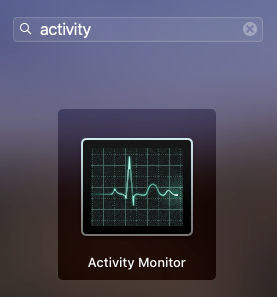
3a) 오픈 액티비티 모니터 English: 3a) Open Activity Monitor
.
활동 모니터가 도크에 없는 경우 실행 패드를 엽니다. English: If Activity Monitor is not in your dock, open launchpad
그리고 그것을 검색 English: and search for it
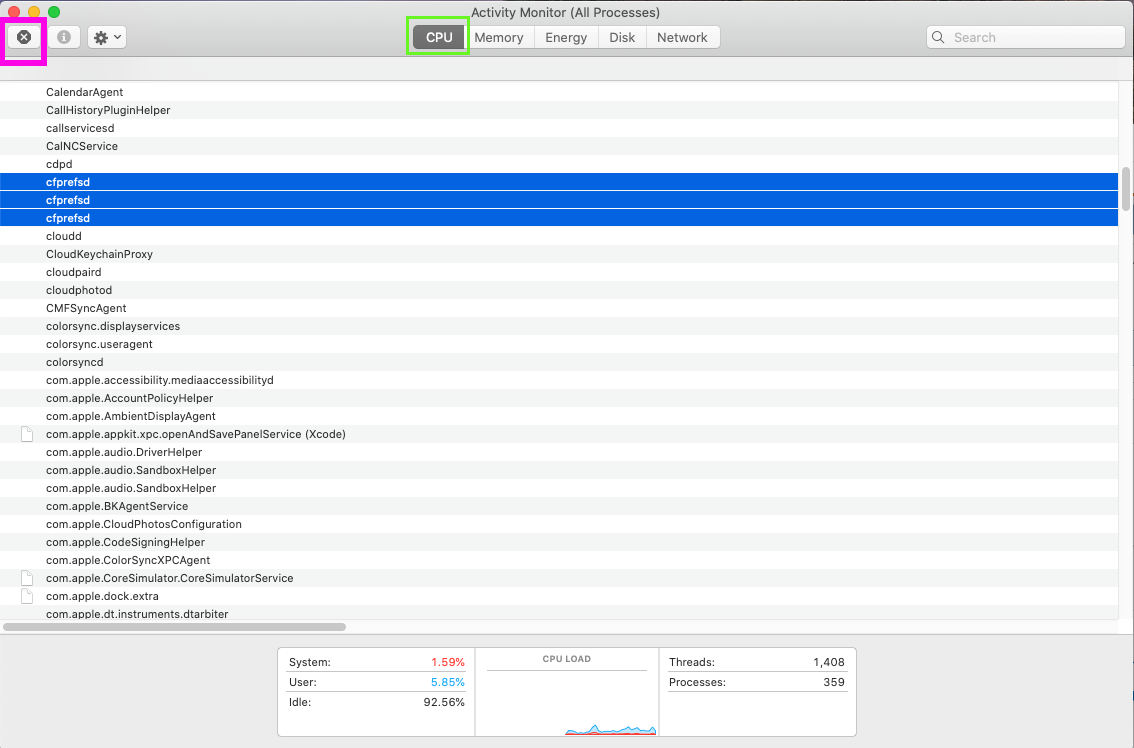
3b) CPU 탭에 있는 동안 프로세스를 알파벳 순으로 정렬하고 모든 cfpresd 프로세스를 선택합니다. English: 3b) While on the CPU tab, sort processes alphabetically and select all cfpresd processes.
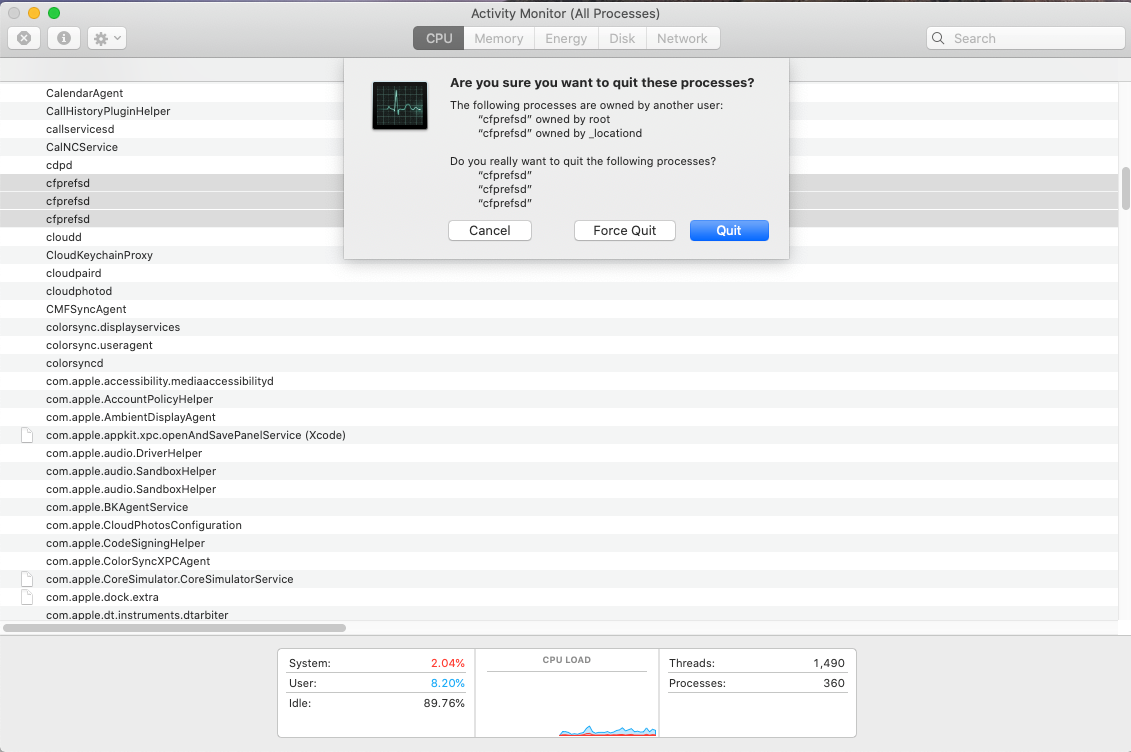
3c) 왼쪽 상단 모서리에 있는 'X'를 클릭하여 죽입니다(분홍색으로 강조 표시). 이렇게 하면 공유 기본 설정의 재부하가 트리거됩니다. 동시에 모든 cfpresd 프로세스를 죽이는 것이 중요합니다. 그들을 하나씩 죽이는 것은 몇 초 만에 다시 시작할 때 작동하지 않을 수 있습니다. English: 3c) Kill them by clicking the 'X' in the top left corner (highlighted in pink). This will trigger reload of shared preferences. It's is important the you kill all the the cfpresd processes at the same time. Killing them one-by-one may not work as they restart in a few seconds.
cfpresd 프로세스는 몇 초 만에 다시 시작됩니다. English: cfpresd processes will restart in a few seconds.